Credit Card Delivery Delays and Errors
Credit card delivery delayed or incorrect? Learn what Filipinos should do when cards don't arrive, arrive late, or have errors.
There's this moment every Filipino with a credit card dreads.
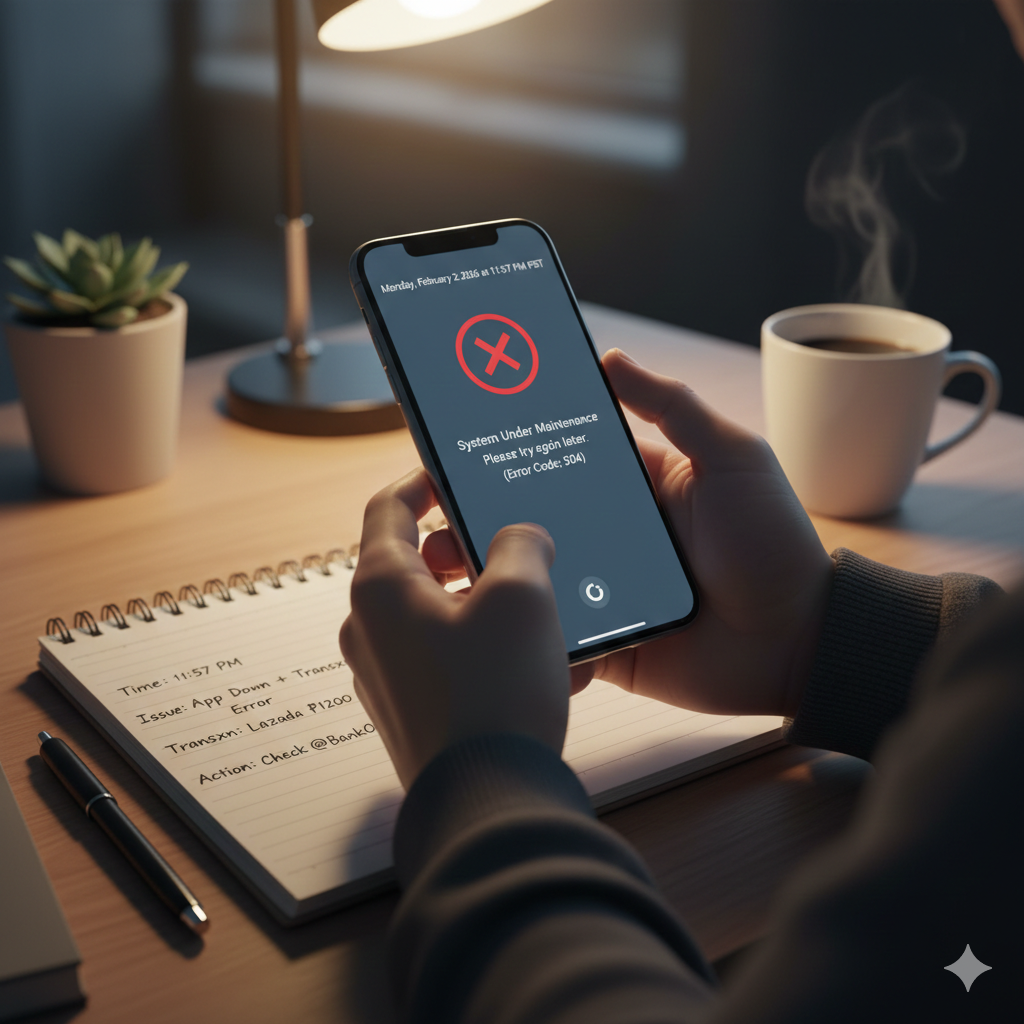
You open your banking app. Loading screen. Error message. You close it. Open it again. Still nothing.
You try logging in on the website. Same problem.
You call the hotline. Busy signal. You try the chat support. "All agents are currently assisting other customers."
Now you're on r/PHCreditCards typing: "My bank app isn't working and customer support isn't responding. What do I do?"
Here's what actually happens in moments like this: the problem is almost always temporary, and your panic usually causes more damage than the actual system failure.
This guide walks you through what usually goes wrong, what to do immediately, how to protect yourself, and when escalating actually makes sense.
Learn more:
Credit Cards for Beginners in the PhilippinesBased on what real users report on Reddit, Facebook groups, and news coverage, here are the usual suspects:
App outages or login failures
The app won't open, won't load your accounts, or keeps kicking you out. Sometimes it's scheduled maintenance. Sometimes it's an unplanned system issue.
Delayed transaction posting
You swiped your card yesterday but the transaction still doesn't show up in your app. Your balance looks wrong. You're not sure kung nag-reflect ba o hindi.
Missing transaction history
You know you made purchases, pero wala sa history. Or the app shows only partial transactions from the last few days.
Unresponsive chat or hotline support
You're trying to reach someone, anyone, pero either walang sumasagot or sobrang tagal ng wait time.
These issues are incredibly frustrating, especially kung kailangan mo talaga ng access to your account. But here's the reality: they're rarely catastrophic, and they're almost always temporary.
Understanding why these things happen makes it easier to stay calm.
Scheduled system maintenance
Major banks like BDO, BPI, and Metrobank routinely announce maintenance windows where apps, online banking, and even credit card transactions can be unavailable for several hours. They usually post these advisories days in advance, pero hindi lahat nakakabasa.
Unscheduled outages
Sometimes the system just crashes. For example, BDO's online and BDO Pay apps went down around payday in October 2024. The bank blamed unusually high volume on its digital channels. Translation: sobrang daming tao nag-log in at the same time, the system couldn't handle it.
App glitches
Sometimes it's not a full outage. The app just lags, gets stuck on loading screens, or shows outdated information. Reddit and DigitalBanksPh posts show users regularly reporting these issues, then seeing everything return to normal after a few hours or a day.
The important takeaway: Most of these issues are system-wide, hindi lang sa'yo nangyayari. It's not your account. It's not your card. It's just the platform temporarily acting up.
The first thing you should do when something feels wrong: stop swiping your card.
Here's why this matters.
When systems are unstable, continuing to use your card can create multiple pending authorizations, duplicate charges, or confusion about which transaction actually posted. These issues are much harder to unwind later when you're trying to dispute something or figure out kung tama ba yung charges.
BSP's consumer protection framework expects banks to investigate disputed transactions, pero you'll have a much stronger case if you can clearly show which attempts were legitimate and which happened during a known outage.
What to do instead:
Before you contact support or start panicking, take a few minutes to document what's happening.
What to save:
Why this matters:
Documentation protects you if disputes arise later. Banks and BSP take complaints more seriously when you can show exactly what went wrong and when. Kung verbal lang lahat, it's your word against the system's records.
Plus, having this information ready makes your conversation with support way more productive. You're not scrambling to remember details. You can just show them what happened.
Before you spiral into worst-case scenarios, check if the bank already knows about the problem.
Where to look:
Why this step matters:
If you've checked advisories, documented everything, and the problem is still not resolved, it's time to reach out to the bank.
Use official channels only.
Never call random numbers posted in Facebook groups or reply to unsolicited messages claiming to be from the bank. Scammers love exploiting moments when people are stressed about their accounts.
Official channels include:
What banks will never do:
If anyone asks for these things, it's a scam. Hang up. Report it.
How to communicate effectively:
Be concise and factual. Emotional language or venting doesn't speed things up. Stick to the facts.
Example: "Hi, I've been unable to access my BPI credit card account via the app since [date and time]. I've tried logging in multiple times and I keep getting [specific error message]. I also noticed that my transaction from [merchant name] on [date] hasn't posted yet. Can you check the status of my account and let me know if there's a system issue?"
That's clear, specific, and gives the agent something to work with.
Keep records of your conversations:
This documentation becomes important if you need to escalate later.
Not every issue requires escalation. Knowing the difference saves you time and stress.
When to escalate:
When not to escalate:
BSP (Bangko Sentral ng Pilipinas) has clear steps for this.
Step 1: Formal complaint to the bank.
Send a written complaint via email or their web form. Include all your documentation. Get a reference number.
BSP rules require banks to have an internal Financial Consumer Protection Assistance Mechanism (FCPAM). They're supposed to respond within a set timeframe.
Step 2: Escalate to BSP if needed.
If the bank's response is unsatisfactory or they're not addressing serious issues like suspected fraud, you can escalate to BSP's Consumer Assistance Mechanism (CAM).
You can do this through:
BSP normally forwards your complaint to the bank, which then has about 10 calendar days to respond through BSP's system. BSP can mediate, and in larger disputes, they can even adjudicate and order reimbursement.
The key: Escalation works best when you've already tried to resolve things directly with the bank first and you have documentation of those attempts.
Let's be clear about priorities.
Urgent (act immediately):
Can wait (annoying but not an emergency):
Simple rule: If it's just the app being slow on a scheduled maintenance night, breathe. If it's a stranger's transaction on your statement, escalate fast.
The best defense is not relying on perfect systems. It's building habits that keep you safe even when things go wrong.
Enable transaction alerts.
Turn on SMS or app notifications for every card transaction. This way, you can spot unauthorized activity immediately and report it before it becomes a bigger problem.
Banks and BSP strongly encourage this because the faster you catch fraud, the easier it is to reverse.
Review your statements monthly.
Don't just check your balance. Actually go through your full statement line by line. Compare it to your receipts or your own log of what you spent.
Spotting errors early gives you more time to dispute them before the billing cycle closes.
Keep emergency cash or a backup payment method.
App outages and system downtime can make your card temporarily unusable. If you have zero cash and no backup card, you're stuck.
Keep at least a few thousand pesos in cash somewhere safe, or have a second card from a different bank so you're not completely dependent on one system.
Update your contact information.
Make sure the bank has your current phone number and email. If they need to reach you about suspicious activity or send you a password reset, outdated contact info will slow everything down.
Save official hotlines and email addresses.
Don't wait until there's an emergency to look up how to contact support. Save the official numbers and emails now so you can reach them quickly if needed.
Banking apps crash. Customer support gets overwhelmed. Systems go down for maintenance. These things happen, and they'll keep happening.
The goal is not to have perfect systems. That's not realistic.
The goal is to respond calmly and be prepared enough that a temporary failure doesn't wreck your finances or your peace of mind.
Document what's happening. Check official sources. Contact support through verified channels. Escalate only when necessary. And build habits that protect you even when technology fails.
Most issues resolve themselves within hours or days. The ones that don't can be fixed with the right approach and documentation.
Stay calm. Stay informed. You'll be fine.